Blog · September 29, 2026
Finally, a New K-pop Dance App That Shows You How You Look
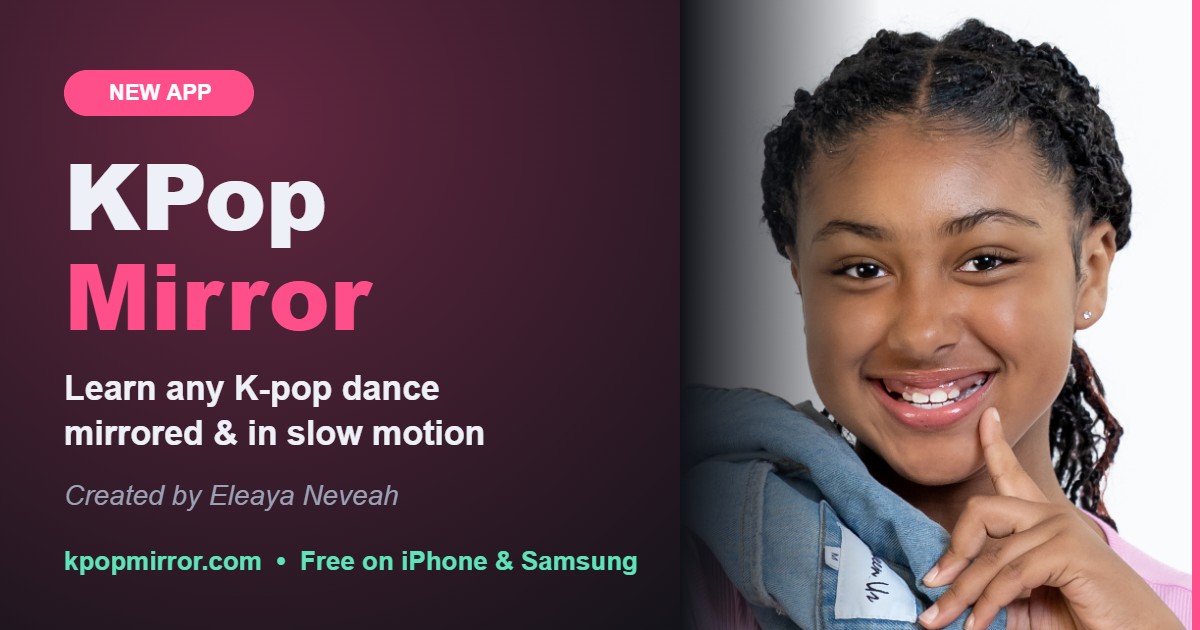
If you've been looking for a new K-pop dance app that helps you actually learn the moves, not just watch them, this one is for you.
KPop Mirror: Learn K-pop Dance was created by Eleaya Neveah, a young performer who loves K-pop and wanted a better way to practice. Most of the time you learn a dance by pausing a video over and over, guessing which way to turn, and never really knowing how you look. KPop Mirror fixes all of that in one app.
Download KPop Mirror freeThe cool features
- Learn from the real idols: every lesson uses the group's official dance practice, so you learn the real choreography.
- Full dance or Main dance: learn the whole routine, or jump straight to the famous chorus part everyone knows.
- Mirror mode: the video flips so it matches you, like dancing in front of a studio mirror. When they move right, you move right.
- Slower and Faster: slow down the hard parts, then build back up to full speed.
- Repeat the hard part: tap Start and End around a tricky move and it loops until you get it.
- Full-screen dance mode: the idols on top, your camera on the bottom. Tap a dancer to zoom in and follow them.
- Record yourself NEW Tap Record, get a 3-2-1 countdown, and dance with the idols. Then watch it back, even in slow-mo, and see exactly what to fix.
- Cool backgrounds NEW Put yourself on a Neon stage, a Sunset, in a Galaxy, in floating Hearts or a dance Studio. You can also upload your own photo or video as the background.
- Save and share with friends NEW Save your video to your phone and send it to your group chat, TikTok or Instagram with one tap.
Why recording yourself matters
Dancers in real K-pop training film themselves all the time. It's the fastest way to spot the arm that's too low, the step that's a beat late or the turn that goes the wrong way. With KPop Mirror you can record a take, watch it back, record again and keep your best one. Then add a background and share it when you're proud of it.
How to download KPop Mirror
KPop Mirror isn't in the App Store or Google Play. You download it straight from our site, and it's free.
iPhone
- Open kpopmirror.com/app in Safari.
- Tap the Share button, then Add to Home Screen.
- Tap Add, then open KPop Mirror from your home screen.
Samsung and Android
- Open kpopmirror.com/app in Chrome or Samsung Internet.
- Tap Download the app (or the menu, then Install app).
- Open KPop Mirror from your home screen.
Free, with 21 days of Pro
Every new user gets 21 days of every Pro feature free, including extra songs, the camera, recording and backgrounds. After that, the free features stay free forever, and Pro is a one-time $4.99 unlock. No subscription.
Questions
Is it really free? Yes. It's free to download and use, with a 21-day Pro trial.
Are my videos uploaded? No. Your recordings stay on your phone until you choose to save or share them.
Does it work on my phone? It's made for iPhone and Samsung, and it also works on computers.
Try it today
Pick your favorite song, turn on the mirror, slow it down and learn it. Then record your best take, add a background and show your friends. Thank you for supporting us, and thank you to Eleaya for dreaming this up.
Get KPop Mirror free