Blog · September 28, 2026
KPop Mirror: the free K-pop dance practice app
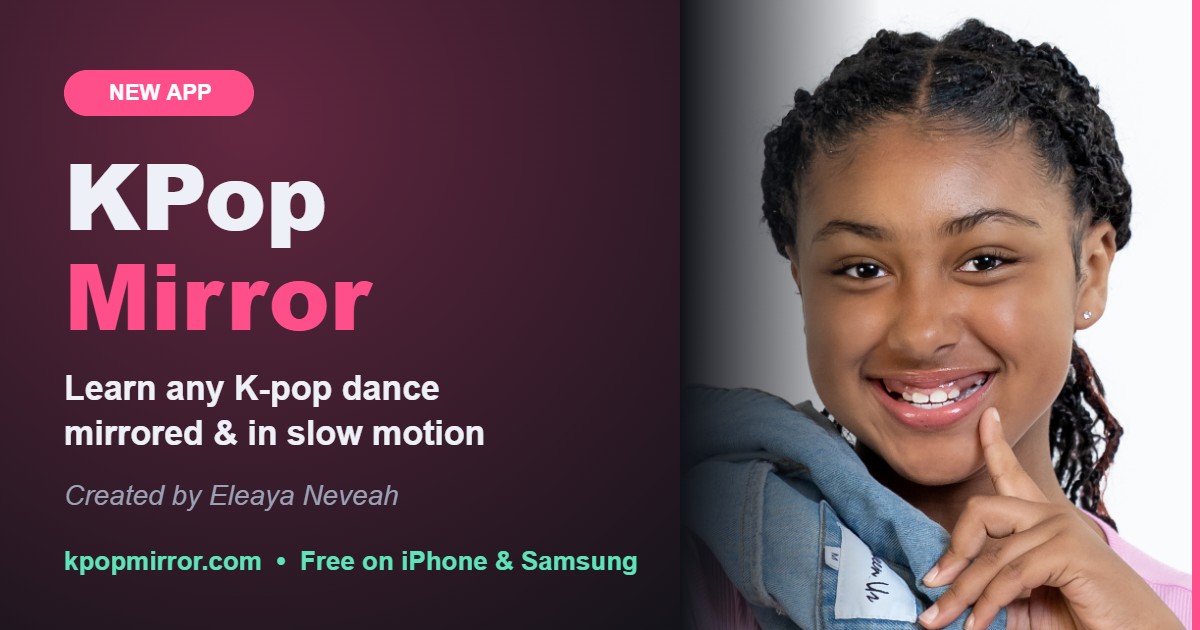
I love K-pop and I dance every day. Learning a new dance from a video was always hard: the dancers face you, so their left is your right, and the fast parts go by before you can see the footwork. So I helped build KPop Mirror, a free app that fixes all of that.
Try KPop Mirror freeWhat KPop Mirror does
- Mirror mode: flips any dance practice video so it moves like a studio mirror. Your left matches the dancer's left.
- Slow motion: slow the video to 0.5× or 0.75× until your feet catch up (Pro adds any exact speed down to 0.25×).
- A–B loops: mark the start and end of the hard part and repeat it as many times as you need (Pro saves all your parts).
- 5-6-7-8 count-in (Pro): get a count before every loop so you start on the beat.
- Camera side by side (Pro): see yourself next to the dancers to check your angles and timing. Nothing is recorded.
What's free and what's Pro
Free forever: any YouTube dance practice video or a video from your phone, mirror mode, 0.5× and 0.75× slow motion, and one A–B loop. That's enough to learn a whole dance.
Pro, $4.99 one time (no subscription): exact speeds down to 0.25×, the 5-6-7-8 count-in, saved parts for every song, your camera side by side with the video, and practice streaks.
Works on iPhone, Samsung and any computer
There's nothing to download from an app store. Open kpopmirror.com and add it to your home screen:
- iPhone: open it in Safari, tap Share, then Add to Home Screen.
- Samsung: open it in Samsung Internet or Chrome, tap the menu, then Add page to or Install app.
- Computer: Mac, Windows or Chromebook all work in any browser.
How to learn a K-pop dance faster
- Watch the whole dance once at normal speed so you know where the formation changes are.
- Learn it in 8-count chunks. Set A at the start of an eight and B at the end.
- Start each chunk at 0.5×, then 0.75×, then full speed.
- Keep mirror mode on and your camera next to the video so you can see what to fix.
New K-pop dances to practice right now
These are the newest comebacks on our new K-pop dances list. Tap one to start practicing:
Questions
Is KPop Mirror free?
Yes. Mirror mode, 0.5× and 0.75× slow motion, one A–B loop and YouTube or your own videos are free forever. A one-time $4.99 Pro upgrade adds exact speeds down to 0.25×, the 5-6-7-8 count-in, saved parts, camera side by side and practice streaks.
Does it work on iPhone and Samsung?
Yes. It runs in your phone browser. On iPhone open kpopmirror.com in Safari, tap Share, then Add to Home Screen. On Samsung open it in Samsung Internet or Chrome, tap the menu, then Add page to or Install app.
Do I have to download it from an app store?
No. KPop Mirror is a web app, so there is nothing to download from the App Store or Google Play. Add it to your home screen and it opens like any other app.
Is my camera recorded?
No. The camera view only shows on your screen so you can compare yourself with the dancers. It is never recorded, stored or uploaded.
Which K-pop dances can I practice?
Any dance practice video on YouTube. We also keep a list of new K-pop dances that updates as new comebacks drop.